Adding some Mouse and some Motion
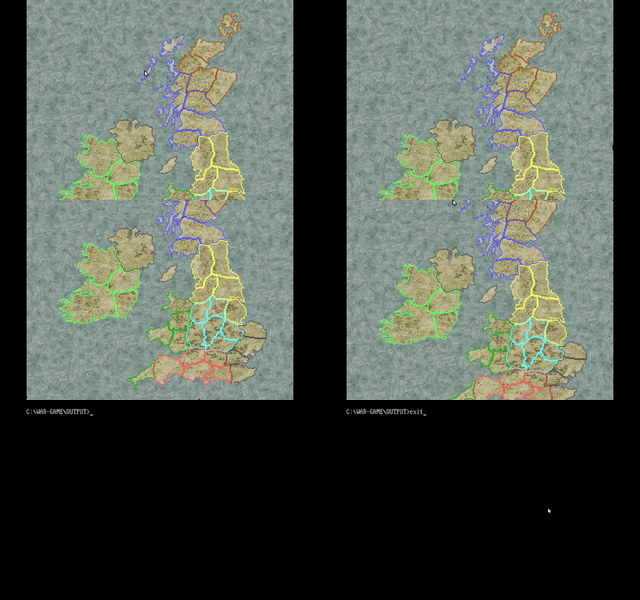
The first thing to get working after the progress from last time was the mouse. I found out from this video how to access the mouse, making it appear and disappear. It seemed suspiciously easy and I was correct in my suspicion:
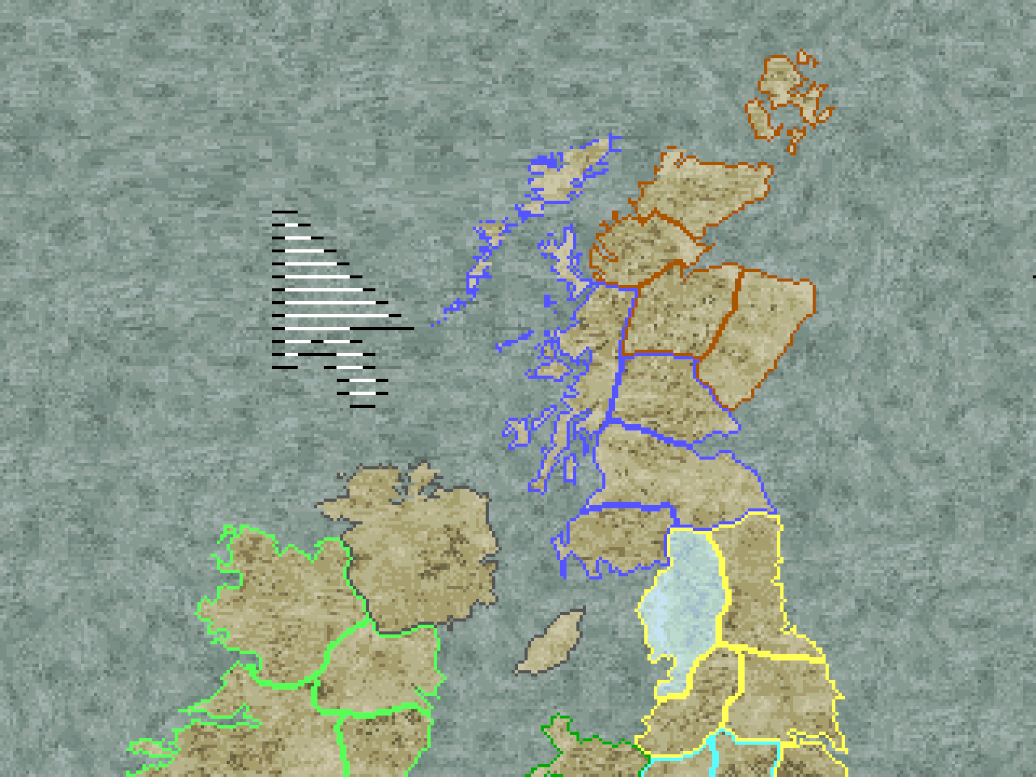
This is obviously related to mode-x and an alternative must be
avaliable. I knew immediately that I was going to have to draw my
own mouse cursor so decided to test this with just a single pixel.
First, I had to develop my dirty rectangles system. Initially I
wasn’t quite sure were things should go. This is normally not so
complicated but page flipping really does change things. I tried out
a method mentioned in the black book which suggests always drawing
to a second page, flipping to that after rendering, then copying
that page to the first page, then flipping back. This seemed like a
good idea as it would make my life much easier but the downside was
immediately apparent when I tested it out. It halved the refresh
rate and the whole page copy was hardly helping. I decided, I would
have to do dirty rectangles for two pages. First thing I did was
make an array of two structures called DirtyRectangles.
This struct holds an array of Rectangle (which are just
an x, y, width, and height) and a boolean to decide if the whole
screen should be redrawn. To make using these two structs easier I
had to rework my whole page flipping system. I previously had a
struct called Pages which just stored all of the
offsets in VRAM of the different pages I made use of. It for the
most part stayed the same but I removed the first two values in the
struct, being view_page and draw_page, I
replaced these with an array of two values called
view_pages, I then added another value
current_draw_page. I then had to change the page
flipping to xoring current_draw_page instead of
switching around the pages that were being viewed and drawn to. This
new value representing the page currently being drawn to could now
be used to index my array of arrays of dirty rectangles. The problem
now was what order do I do things in. It took a couple of tries
where things either disappeared completely or never left after
moving until I finially arrived on the correct order for things.
From now on I’m going to call dirty rectangles DR because I’m lazy.
- Add to the DR array for the current draw page the rectangles for all of the sprites on the screen.
- Draw all the sprites.
- Flip the page to display the fully rendered image.
- Then fill in the background for all of the DR.
- Reset that page’s DR
- Do all the movement code.
This wasn’t actually too complicated there was just a couple of places that tripped me up. For a start you have to fill both pages with the background before the game starts. Otherwise you’ll get a black screen. That didn’t take too long to figure out. The second issue is that when scrolling the background, you have to set the redraw entire page boolean for both pages, otherwise, you end up with flicker.
Ultimately, this is the kind of progress that you can’t really show with an image. I was just happy that performance didn’t tank.
I could finally get to work drawing my mouse cursor. This was as easy as calling interrupt 0x33. What I didn’t know ahead of time was that the y position was limited to 0-199. Great for my game with 240 lines… While I could have multiplied the y position by 6/5 I decided that the bottom 40 lines of the screen would display information about the game and would be navigatable with the keyboard, you would then use the mouse and the map to select regions and drag pieces around. Originally, I had envisioned a floating window system for displaying information but this new system could also have it’s own gameplay benefits. First, I just clipped the background to 320x200 to see the result. I also changed the scrolling system so that it would scroll if the mouse was at the top of the screen or at the bottom of the screen. Instead of using the keyboard.
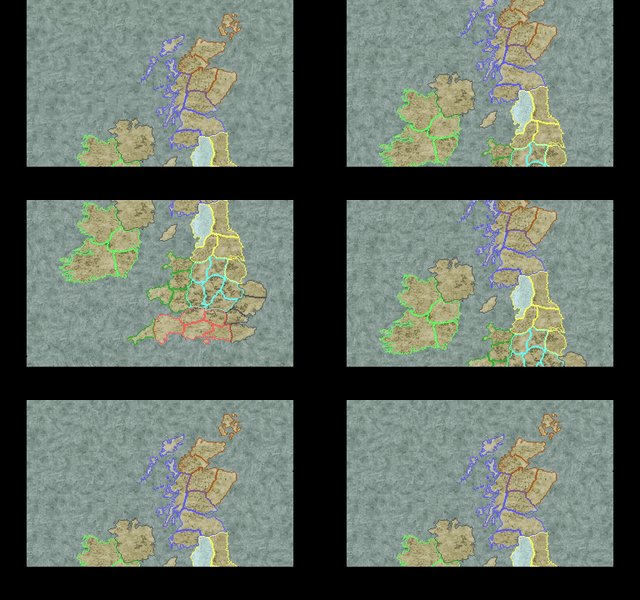
I went for a walk and realised this was stupid. It looked bad and would only look worse as time went on. I don’t know why I was so against just scaling the y position of the mouse to 240, I had to scale the x position, although, by half instead of 239/199. So I quickly reverted back to how it was before. I was still partial to the idea of having a static box at the bottom, it would definitely be easier to code then a floating window system, so I added some empty space at the bottom of the game map for this to fit into.
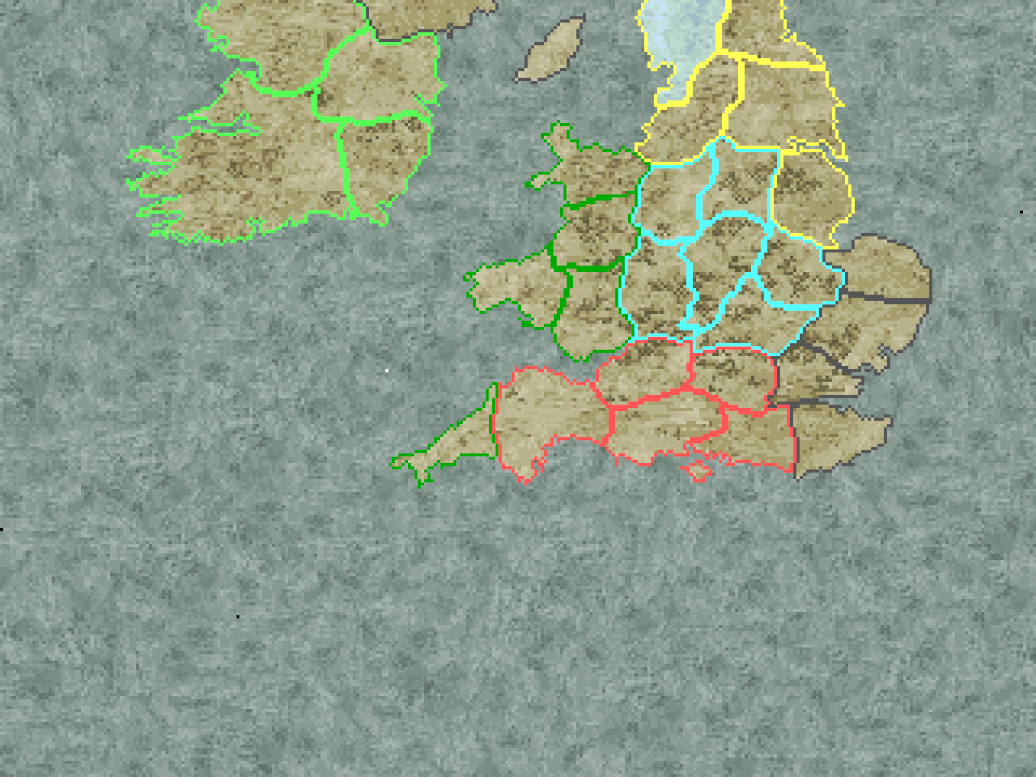
Up to this point I had been using a temporary mouse cursor. It
was a white dot. Good enough for me but definitely not for a final
product. I drew up a quick 8x8 cursor and set to work implementing
it into my project. The plan was to load this image into off-screen
VRAM and use the masked copy technique to quickly copy from VGA to
VGA memory. To test everything was working first I blitted the mouse
image to the draw page but when I first did this I could see that it
was upside down. I knew this was the case for bitmaps in general as
this happened with my map images (which I got around by making the
images upside down) but I thought my standard
load_bitmap dealt with this so this wouldn’t happen.
Making upside down bitmaps for the rest of the project sounded like
more effort then spending 10 minutes reworking the loading of
bitmaps so it loaded the correctly.
At this point bitmaps were loaded in planar ordering. All data for plane 1, all data for plane 2… etc. I scrapped this as I knew a better way to blit, and this method meant loading data byte by byte. I changed the loading code so that it went line by line, filling in reverse order.
Old code:
for (i = 0 ; i < info.height ; i++) {
    unsigned int index = (i >> 2) + (size >> 2) * (i&0x3);
    fread(&image->data[index], 1, 1, file);
}
New code:
for (i = 0 ; i < info.height ; i++) {
    fread(&image->data[info.width * (info.height - i - 1)], 1, info.width, file);
}
This didn’t have any impact immediately but obviously, with more assets in the project the performance benefits of reading data in a block become greater. Originally I had done this strange ordering because I thought it would help with the performance when rendering.
This was the old blit code:
void blit(int x, int y, unsigned int page, Image* image) {
  int plane;
  int i, j;

  for (plane = 0 ; plane < 4 ; plane++) {
    outportb(SC_INDEX, MAP_MASK);
    outportb(SC_DATA, 1 << plane);
    for (i = 0 ; i < image->height; i++) {
      memcpy(
          VGA + page + ((long)(SCREEN_WIDTH * (y+i)>>2) + (x>>2)),
          &image->data[(image->width>>2) * i + (plane * (image->width * image->height >> 2))],
          (image->width >> 2));
    }
  }
}
This has several downsides, for one it cannot blit an image to an arbitrary x value, it has to be on a multiple of 4. This code also uses the C standard library memcpy. I learned recently that trusting standard library functions for performance related tasks is unwise. The benefit of organising the data into the four seperate planes clearly hasn’t made things simpler, I mean look at that mess to work out where to copy from. The only clever thing about this code is that it only changes the current plane to draw to the minimum amount of times (four times). To improve this algorithm I employed pointer arithmetic.
New blit code:
void blit(int x, int y, unsigned int page, Image* image) {
  int plane;
  int i, j;
  unsigned char* read;
  unsigned char far* write;

  for (plane = 0 ; plane < 4 ; plane++) {
    read = image->data + plane;
    write = VGA + page + (y * 80) + (x >> 2);
    if (plane >= 4 - (x&0x3))
      write++;

    outportb(SC_INDEX, MAP_MASK);
    outportb(SC_DATA, 1 << ((plane + x) & 0x3));

    for (i = 0 ; i < image->height; i++) {
      for (j = 0 ; j < (image->width>>2) ; j++) {
        *write = *read;
        read += 4;
        write++;
      }
      write += 80-(image->width>>2);
    }
  }
}
It just jumps forwards the read pointer by four and resets it at the start of the loop for the planes. This code also starts at a different plane depending on the x position. This allows for arbitrary x positions. I’m not entirely happy with the if to increment the write pointer but it seems to get the job done. I may eventually rewrite this code into assembly but for now it is doing its job quite nicely. To test this new blit code I drew the mouse to the screen in all four possible offsets.
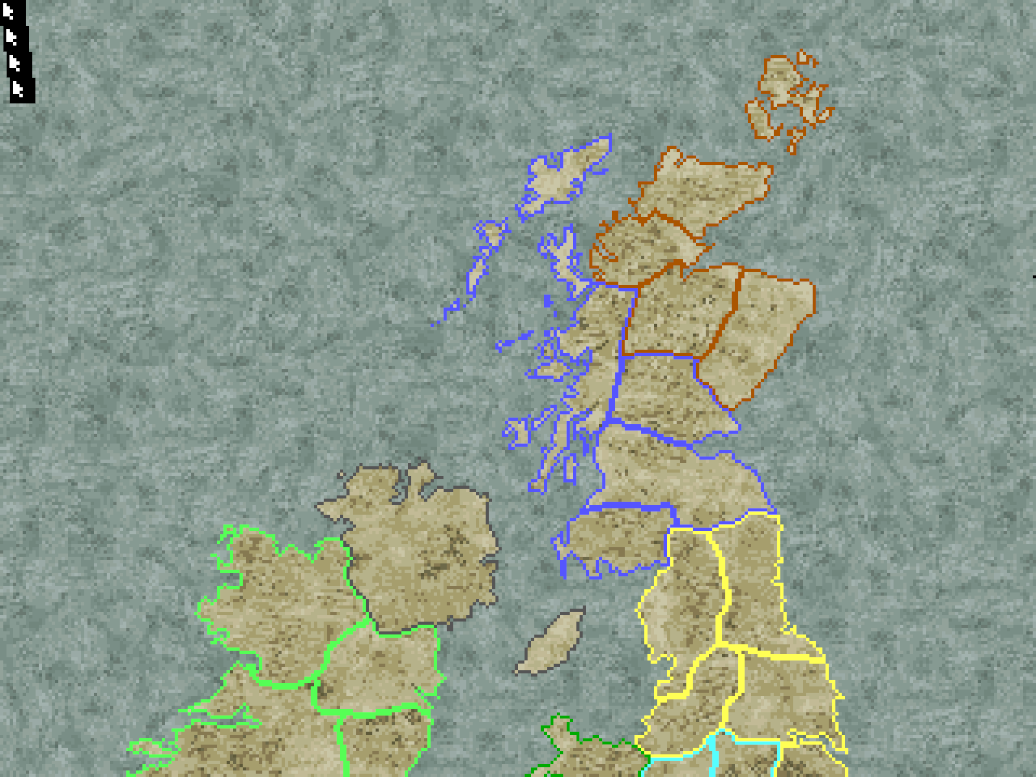
Perfect. :)
Next was to draw the mouse to offscreen video memory at each of the four potential offsets. This was easy enough to do with the blit function.
void load_mouse(Pages* pages, MaskedImage* mouse) {
  blit(0, 0, pages->asset_page, &mouse->image);
  blit(13, 0, pages->asset_page, &mouse->image);
  blit(26, 0, pages->asset_page, &mouse->image);
  blit(39, 0, pages->asset_page, &mouse->image);
  ...
}
I decided to make all of their widths a uniform 12. It does waste some space but it makes processing them easier. I then wrote up a function to draw the mouse at a given x and y value.
void draw_mouse(Pages* pages, MaskedImage* mouse, int x, int y) {
  int offset;
  unsigned int i, j;
  unsigned char far* read;
  unsigned char far* write;

  outport(GC_INDEX, 0x08);

  outportb(SC_INDEX, MAP_MASK);
  outportb(SC_DATA, 0x0F);

  offset = (x & 0x3) * 3;

  read = VGA + pages->asset_page + offset;
  write = VGA + pages->view_pages[pages->current_draw_page] + (y * 80) + (x >> 2);

  for (i = 0 ; i < 8 ; i++) {
    if (y + i >= SCREEN_HEIGHT) continue;
    for (j = 0 ; j < 3 ; j++) {
      if ((x >> 2) + j >= 80) break;

      *write++ = *read++;
    }
    write += 80-j;
    read += 80-j;
  }

  outportb(GC_INDEX+1, 0xFF);
}
This had the following output:
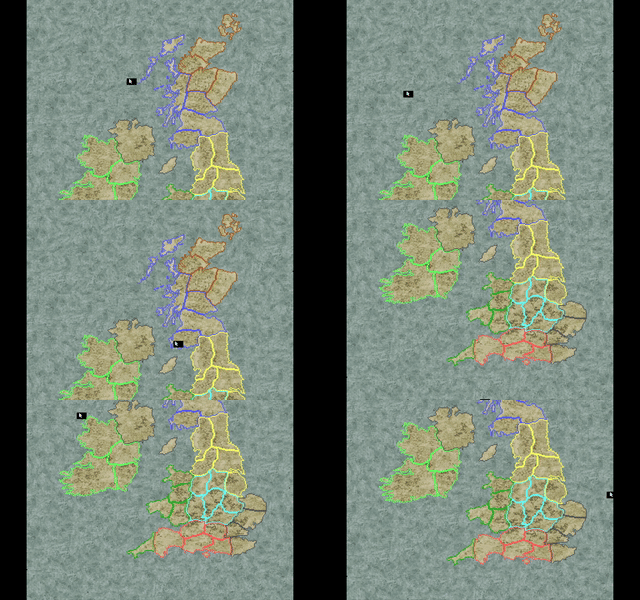
Next objective was to implement the mask. I wasn’t sure if I
should do it using four different mask images or somehow convert a
single image into four different ones. I decided that fleshing out
my bitmap library would be good to do anyway so added two new
functions: - empty_bitmap makes a new bitmap filled
with a single colour of a given width and height. -
draw_bitmap_to_bitmap draws a bitmap inside of another
bitmap. It does not do any clipping!
I then used these two functions to generate the four different
offsets for the mask. This was achieved by creating an empty bitmap
of width 12, height 8 and a colour of 0x0, then drawing the mask
image to it at the offset. Now that all of the masks were loaded
correctly I just had to modify the draw_mouse function
to instead of copying using a mask of 0xF use a mask determined by
the bits in the mask. This is shown below:
...
mask = 0;
if (*mask_data++)
    mask |= 1;
if (*mask_data++)
    mask |= 2;
if (*mask_data++)
    mask |= 4;
if (*mask_data++)
    mask |= 8;

outportb(SC_DATA, mask);
...
With this the mouse was complete and the result looked great!